

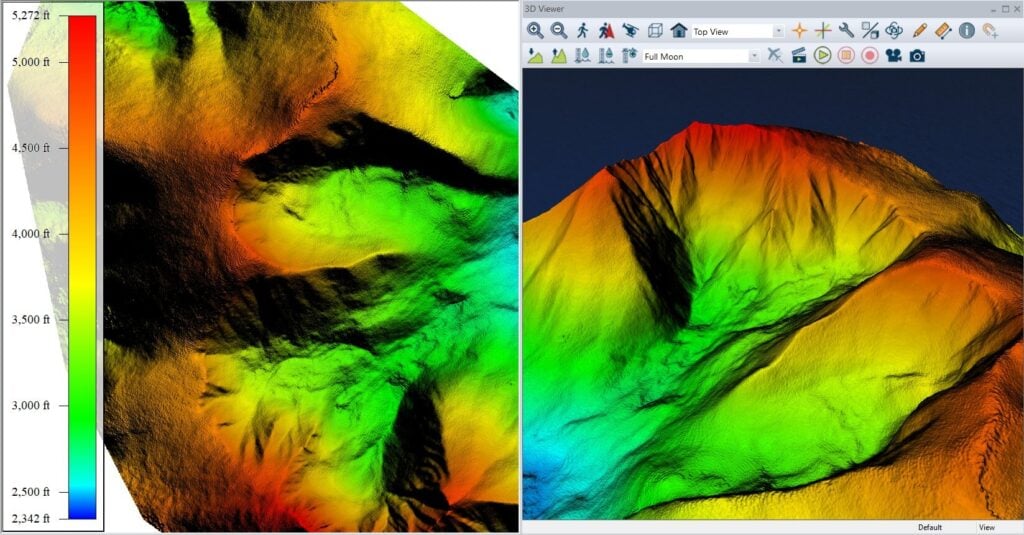
Blue Marble Geographics explores the advanced 3D visualization and navigation capabilities within Global Mapper®, focusing on how users can create fly-through simulations to enhance the presentation of geospatial data. Read the full article >>
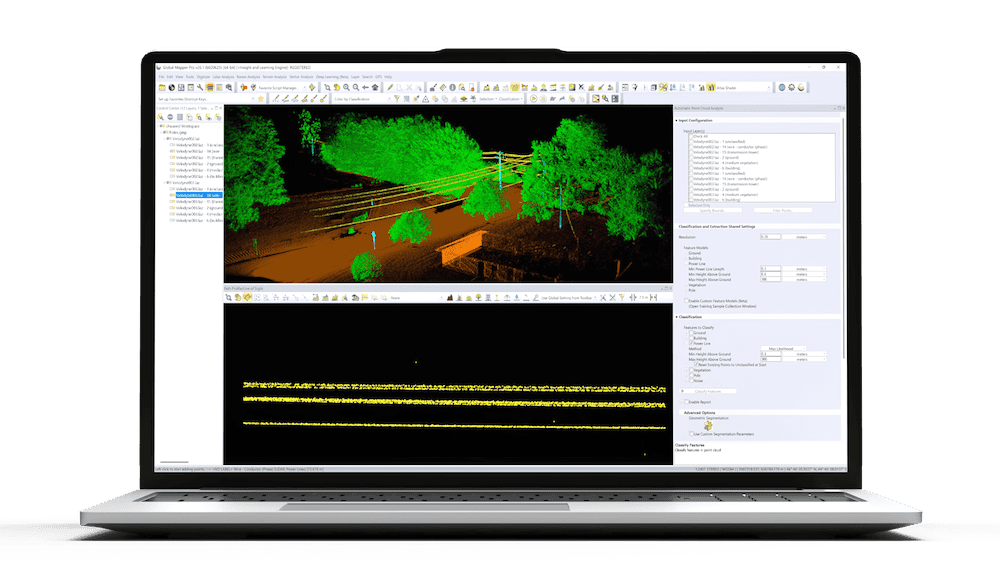
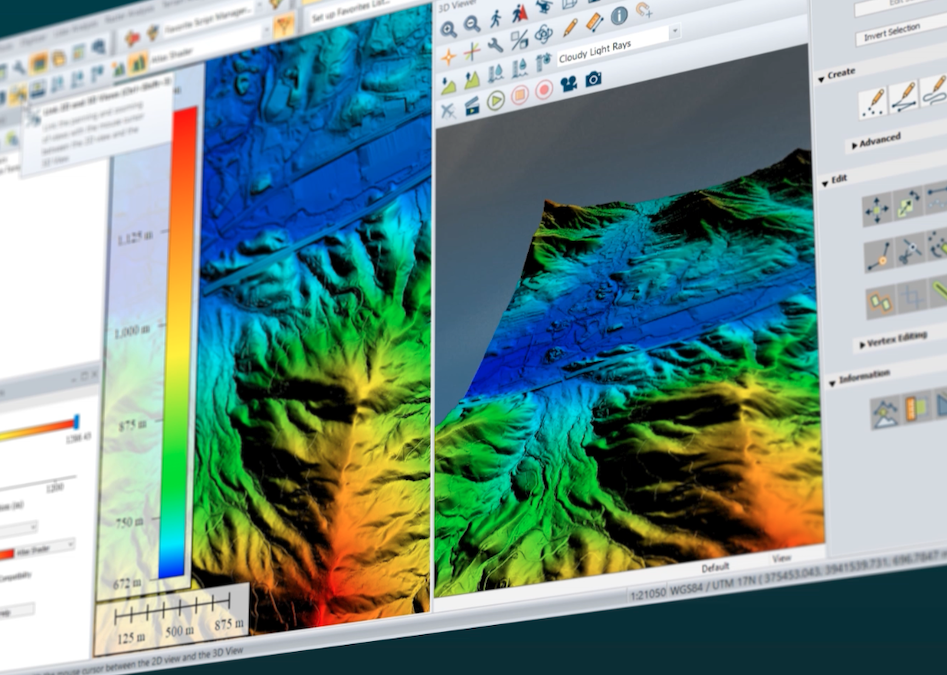
The 3D Viewer, accessible from the main Viewer toolbar, supports the visualization of loaded datasets such as elevation models, point clouds, and vector layers in a dynamic three-dimensional environment. While primarily a tool for spatial navigation and analysis, it also includes options for recording immersive fly-through videos.
Before building a fly-through, users can configure display settings to refine vertical scale, lighting, and vector behavior. In a sample workflow using terrain data from Manhattan, 3D building representations are produced by enabling extrusion settings and displaying features at roof height, providing a more accurate skyline within the 3D scene. Additional context is added by using a dedicated layer of 3D labels, including billboard-style labels that remain readable throughout the simulation.
Flight paths for fly-throughs can be created interactively in Walk- or Fly-Mode, during which Global Mapper records user movement and associated camera parameters when the record function is active. Alternatively, existing vector features such as streets can be used to define a path, with detailed flight properties, such as direction, speed, and elevation, configured in the Fly-Through Path Properties dialog. These paths can then be previewed, edited at each vertex, and exported as video.
The full article details how these tools can be applied to effectively communicate spatial information, especially when sharing complex 3D datasets with clients or collaborators who may not use GIS platforms.