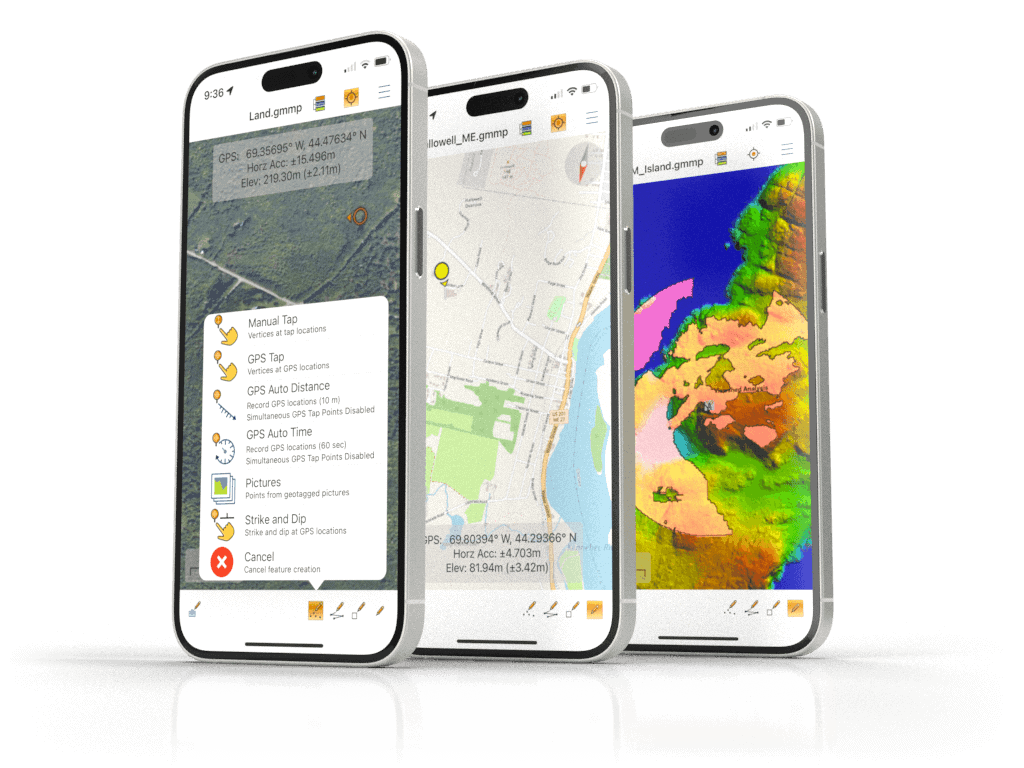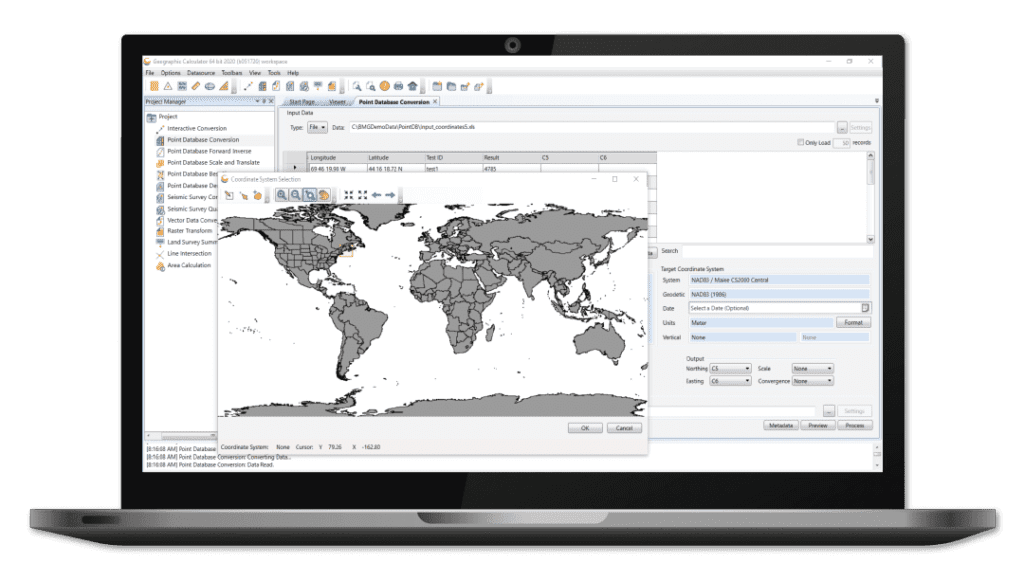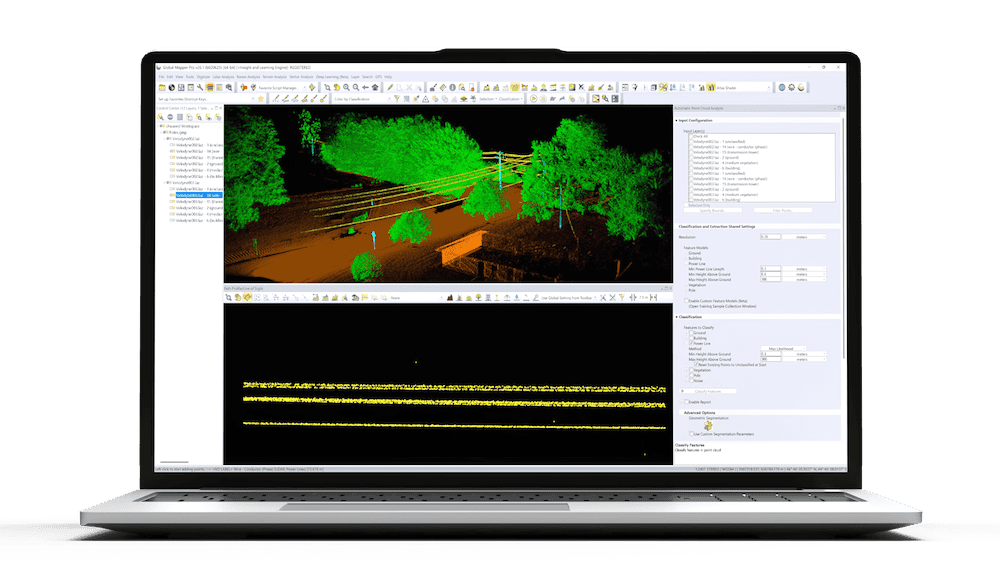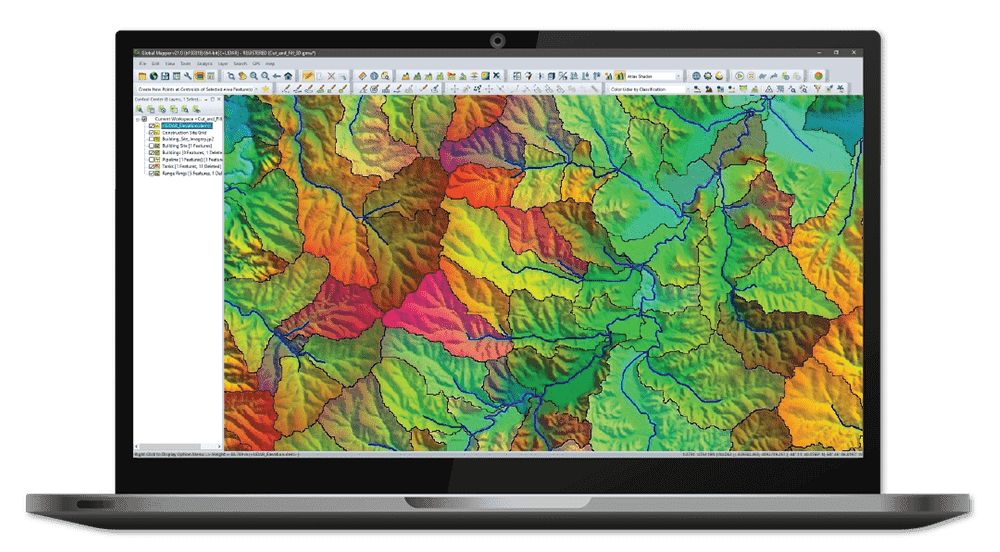




Blue Marble Geographics has released Global Mapper v26.2, the latest update to its all-in-one Geographic Information System (GIS) software, introducing significant usability improvements and expanded data visualization options.
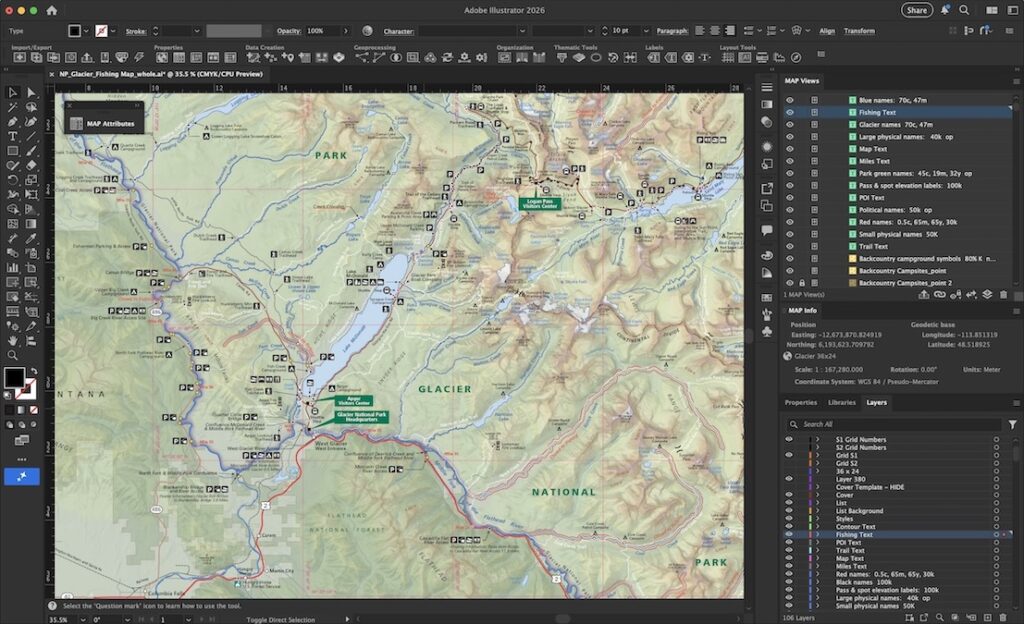
The update places a strong emphasis on the user experience and includes a new dockable file browser for quick access to directories with filtering options. The Digitizer Toolkit, first introduced in v26.1, has been expanded to include highly utilized tools for creating path profiles, applying elevations, vertex editing, and displaying feature measurements, consolidating functionality into one convenient location. Furthermore, users can now instantly restore toolbar positions with a simple keyboard shortcut, streamlining layout adjustments.
Jenna Nelson, Blue Marble Geographics Training Coordinator, stated, “In developing Global Mapper 26.2, our priority was clear: efficiency for our users. We delved into customer feedback to identify key routines from within the Digitizer menus and made those functions—like quickly obtaining feature measurements and statistics—immediately accessible in the dockable Digitizer Toolkit. I’m excited for new users to find an easier entry point to accessing these functions, and our seasoned users will enjoy how much faster and more intuitive their day-to-day work has become.”
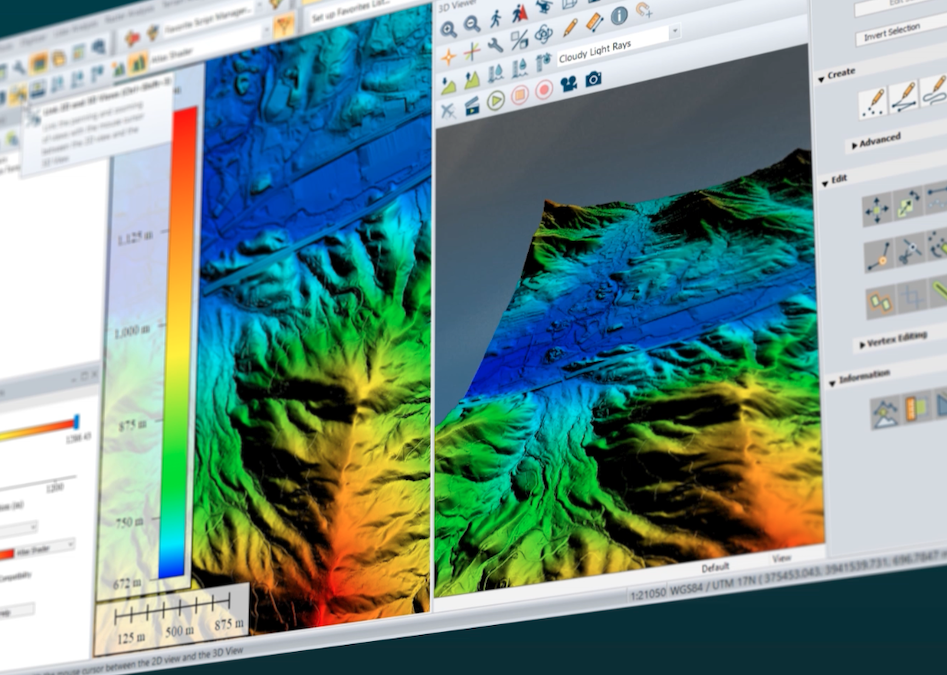
A major highlight of this release is the redesigned animation toolset. A new “Animate Layers” button opens a floating pane that simplifies the process of building and managing animations, replacing the previous toolbar. Users can display layers sequentially for timelapses, step through timeseries data with a slider, record and export animations, and create multiple animations within a single workspace.
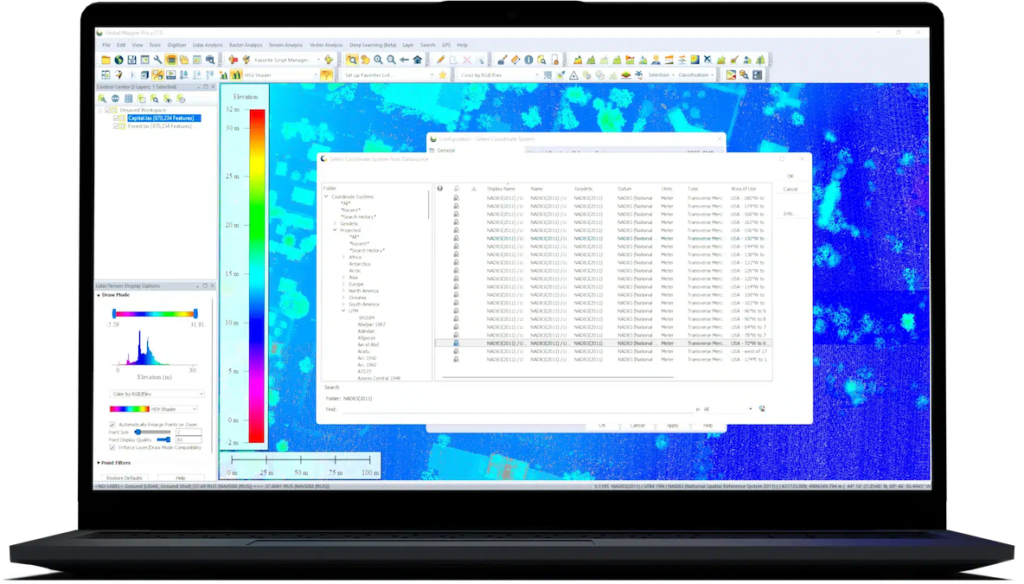
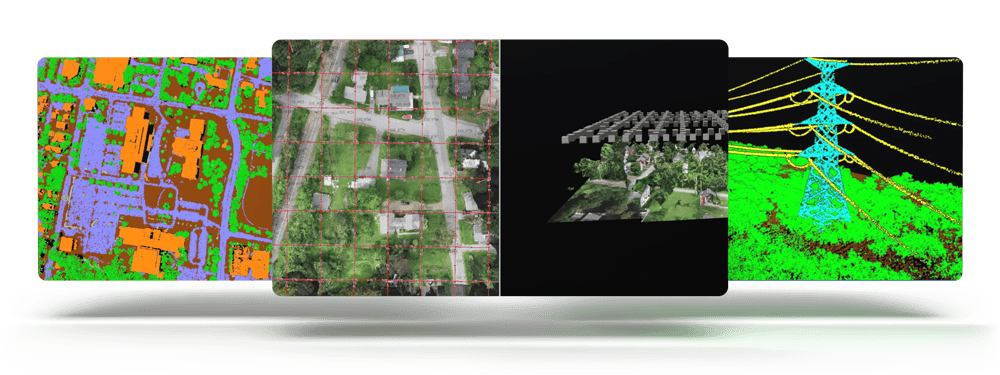
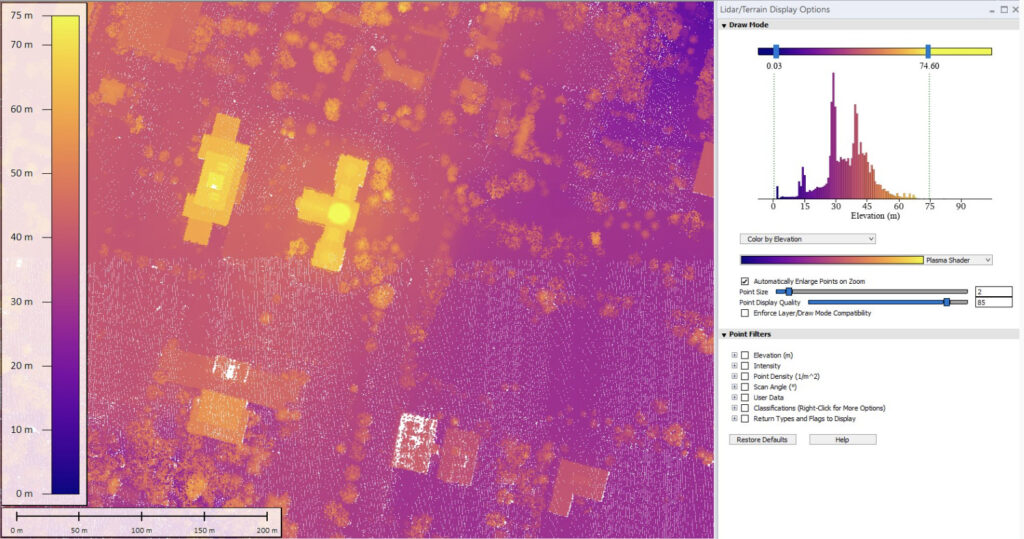
The Lidar/Terrain Display Controls tool further enhances data visualization. Users can now adjust shader color scaling for terrain data using sliders, making it more intuitive to adjust the elevation range and view results in real time. For Pro users, shader adjustment for lidar data is included with an accompanying histogram to show a clear view of the distribution of data for any attribute. Point cloud filtering, whether the data is lidar or photogrammetric, is also made easier, with automatically populated filterable attributes and histogram sliders to interactively adjust visible points. Filtered points are excluded from analyses like gridding or contour generation but are not permanently deleted.
Continuing its tradition of broad compatibility, the latest release builds on its extensive file format support by adding OSM PBF (OpenStreetMap Protocolbuffer Binary Format) and TFADS-O (Table Formatted Aeronautical Data Set–Obstacles). An addition of Phase One’s IIQ image format allows users to import high-resolution RAW images directly without conversion to TIFF. This update also includes improved transparency and multiband export options for ECW and JPEG2000, by updating to the latest ECW SDK.