



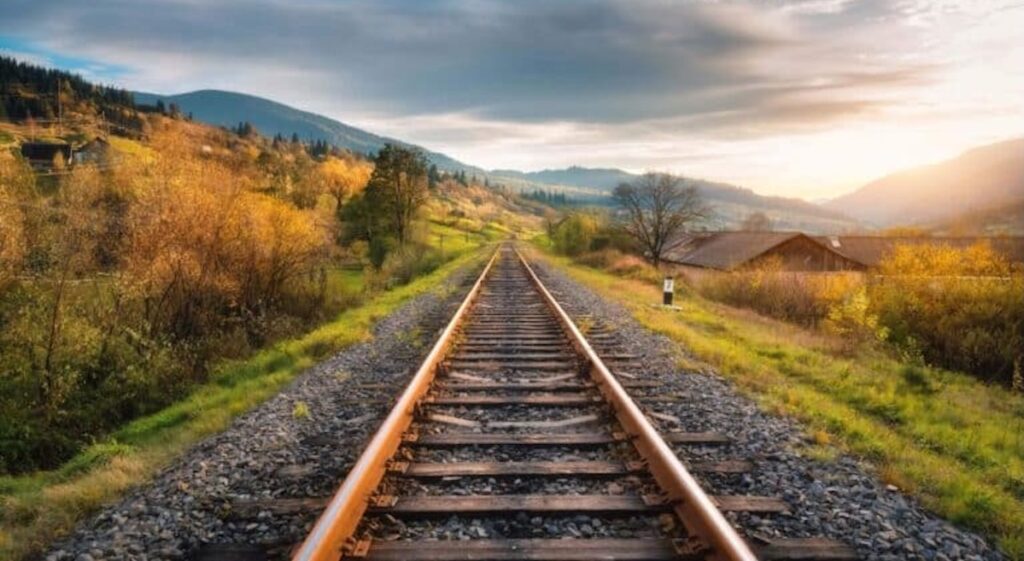
Blue Marble Geographics’ guide explains how Global Mapper Pro processes lidar based point clouds to create high resolution elevation models and extract railroad tracks through automated breakline detection.
The workflow outlines the data requirements, preprocessing steps, and surface modeling needed to identify rail geometry for corridor analysis.
Data Requirements
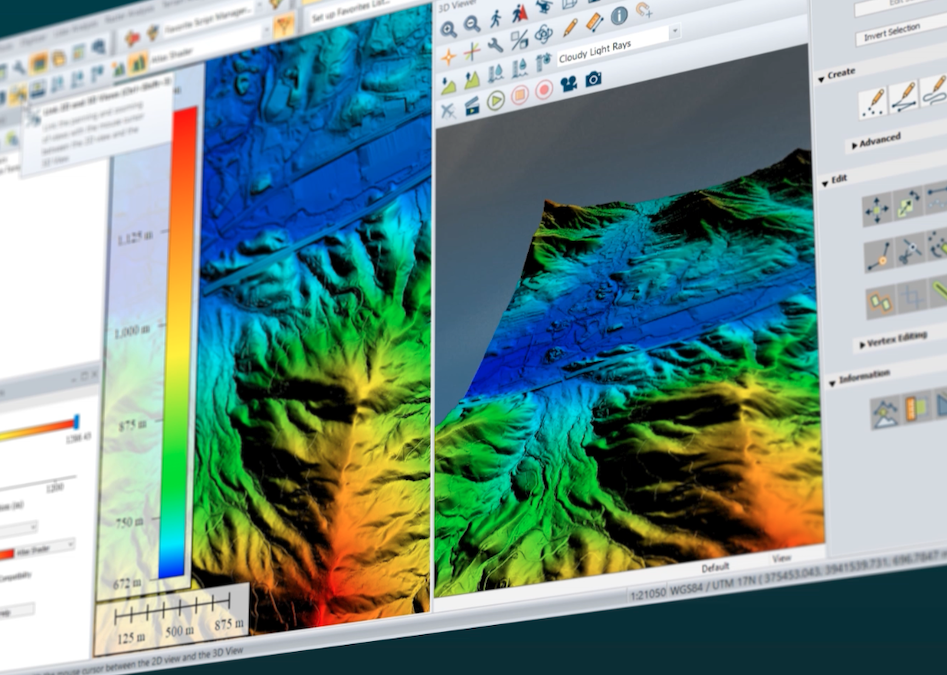
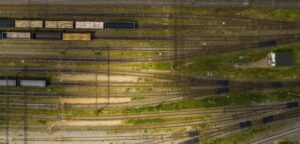 Rail extraction relies on a detailed Digital Elevation Model (DEM). When a suitable surface model is not available, one can be generated from a point cloud, and point clouds can be produced from drone imagery using Pixels to Points. This supports a range of elevation and photogrammetry workflows.
Point Cloud Preparation
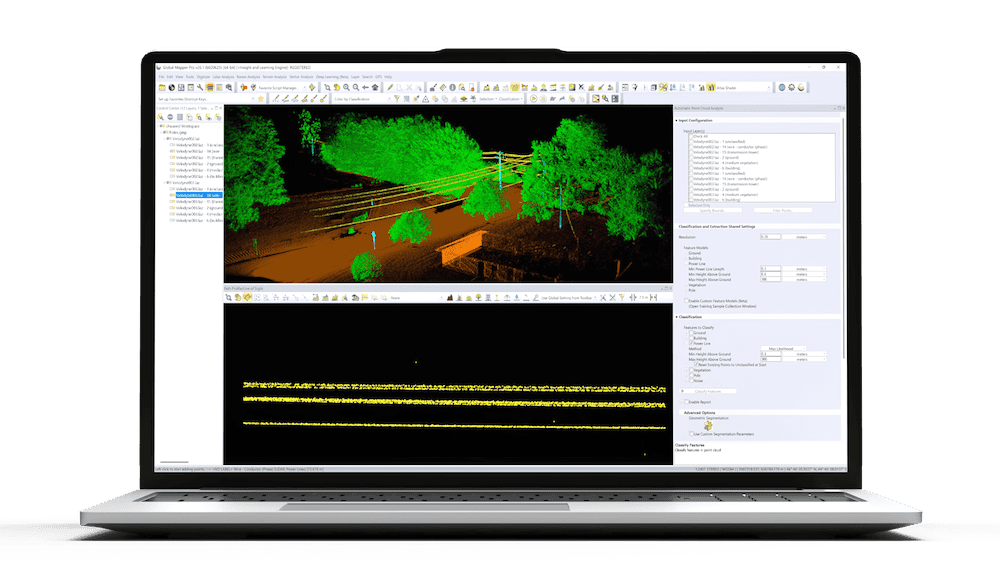
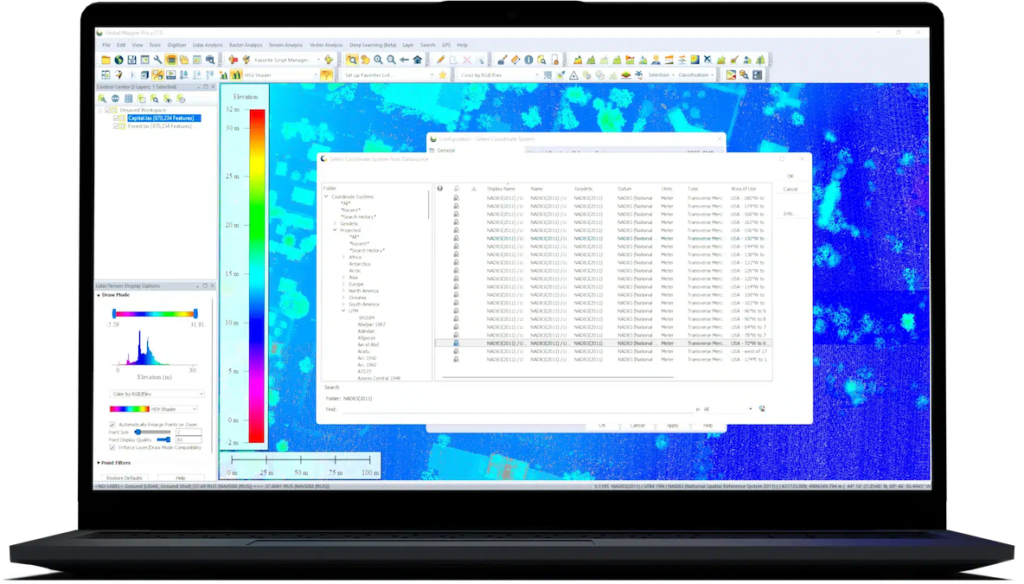
When beginning with point data, the Elevation Grid tool is used to produce the DEM. Before generating the grid, processing times and noise can be reduced by cropping to the rail corridor and applying point classification. The Digitizer Toolset enables drawing an area feature around the tracks for use with Crop to Selected Areas. If cropping is not practical, a Bounds option in many tools allows operations to be restricted to a defined region.
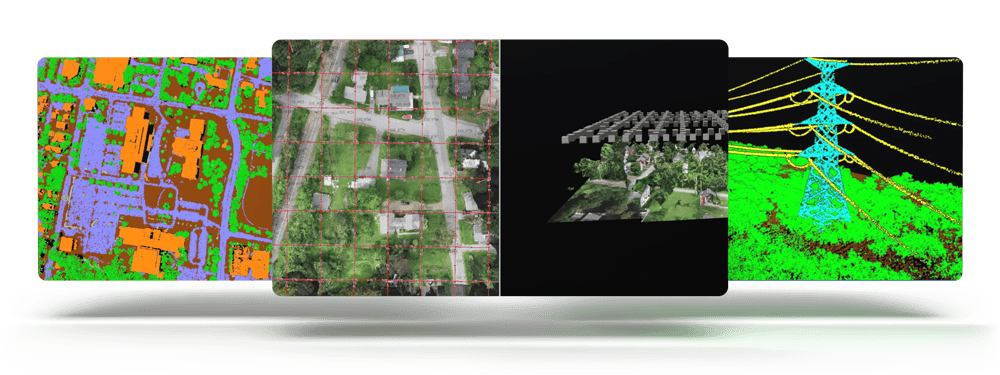
Classification refines the dataset by removing structures, vegetation, and other non ground features. Rail points must remain within the ground class to ensure proper inclusion in the DEM.
Creating the DEM
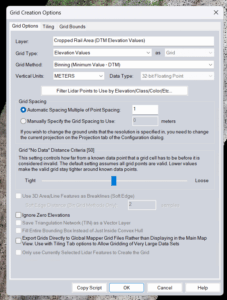 The Create Elevation Grid tool generates the surface required for breakline extraction. Breakline detection evaluates changes in slope and elevation, so only grids and not meshes can be used. Filtering by classification typically results in a cleaner and more consistent model. The Path Profile tool can be used to confirm that the DEM captures the elevation signature associated with rails.
Rail Extraction
For identifying rail features, the Generate Breaklines command uses the Find Breaklines at Any Surface Break method. Key settings include:
- Curvature Grid Type: Profile, producing lines that align with the tracks
- Edge Detect Threshold: about 500, isolating the steep slope transitions characteristic of rails
- Edge Connect Threshold: below 300, improving the continuity of the resulting linework
These settings return breaklines that trace the rail positions within the elevation model.
Troubleshooting
If the extracted lines appear broken or incomplete, curvature grids created at different resolutions, such as 1 meter and 0.1 meter, can help evaluate how parameter choices influence the results. Rails should appear clearly in these grids; if they do not, adjustments to curvature or breakline thresholds may be needed. The DEM must show the rail elevation signature distinctly for extraction to be consistent.
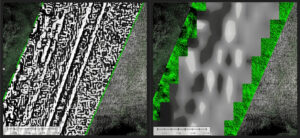
Curvature grid: 0.1 m (left) and 1 m (right)
By refining point cloud data, constructing a high resolution DEM, and adjusting breakline settings, Global Mapper Pro provides a dependable workflow for modeling rail features and supporting corridor assessment tasks.