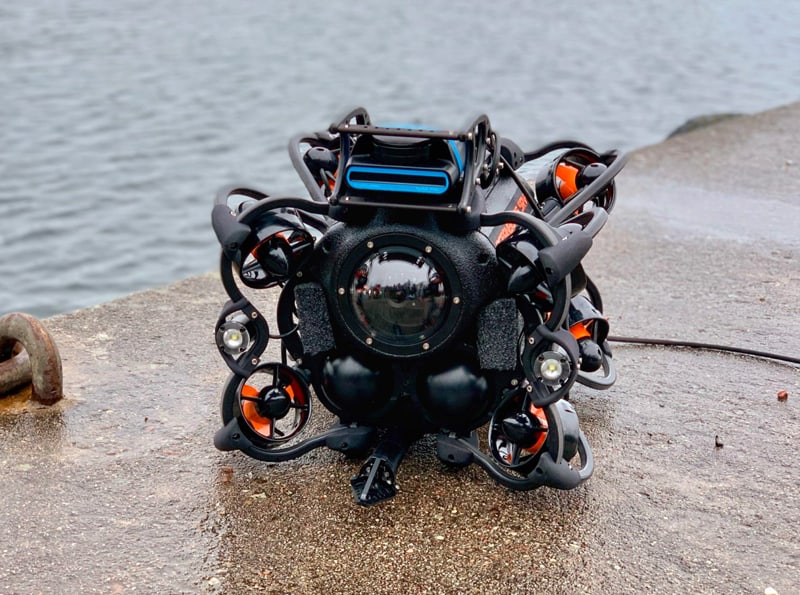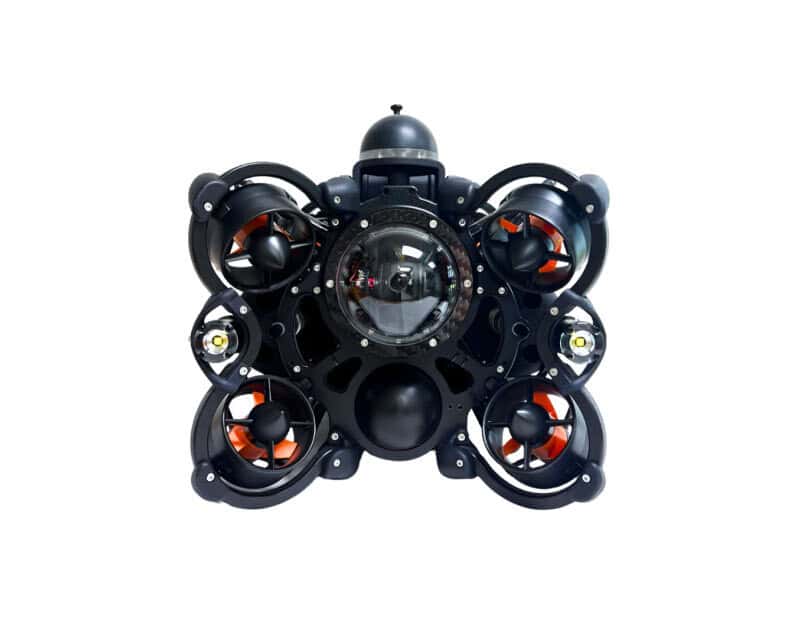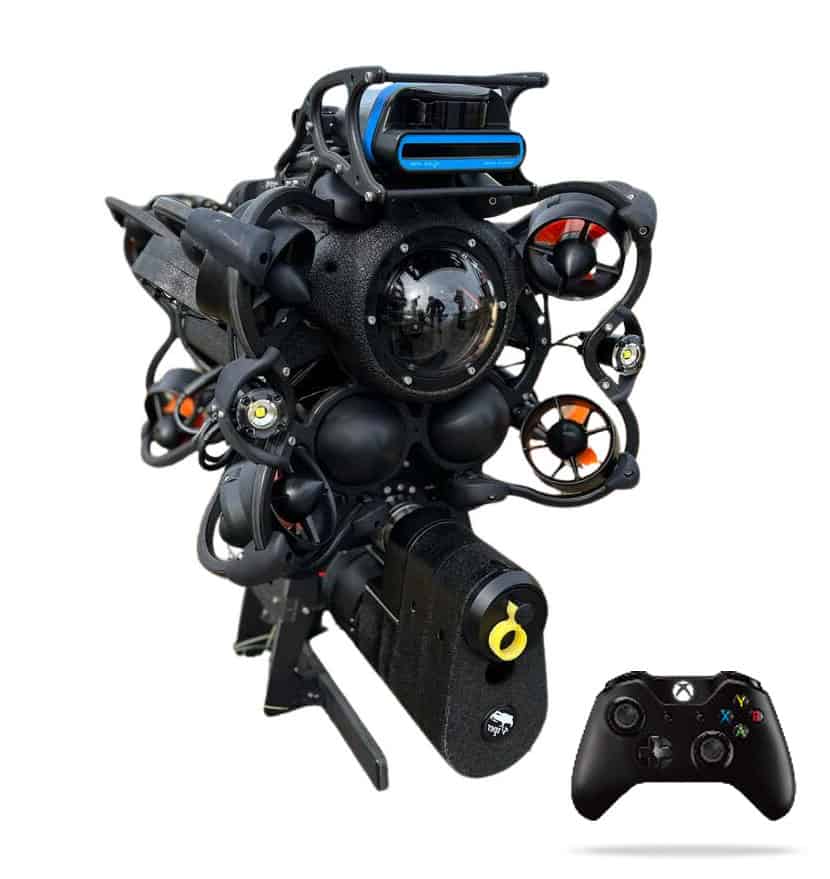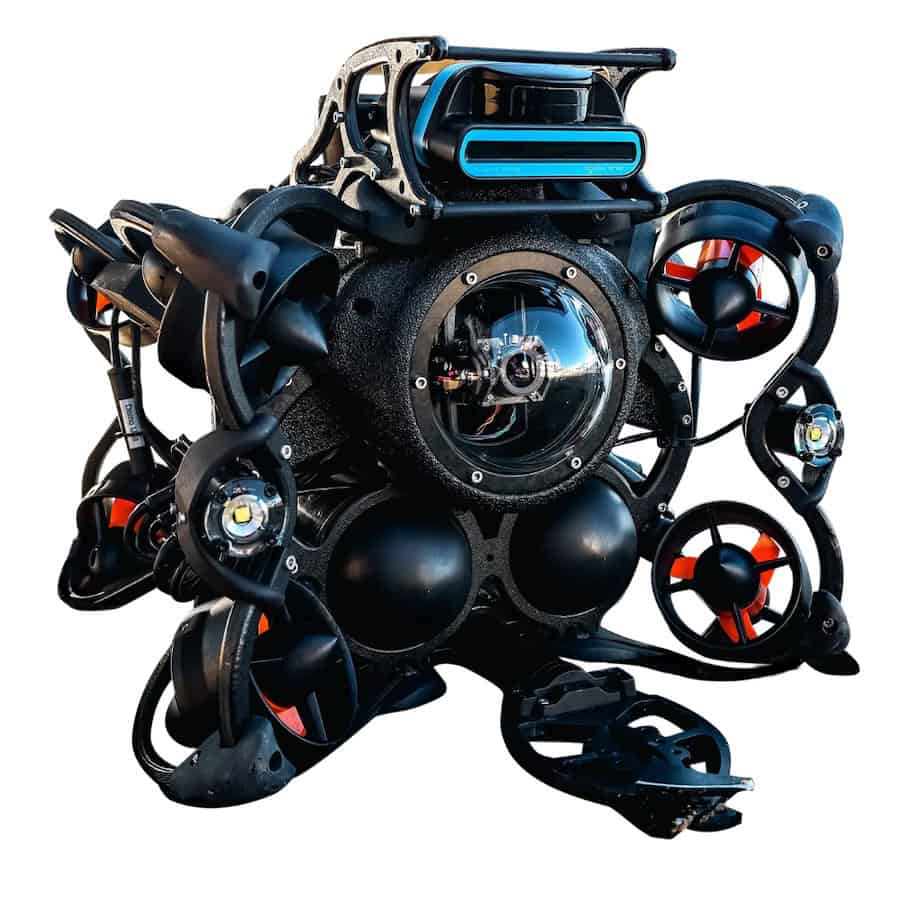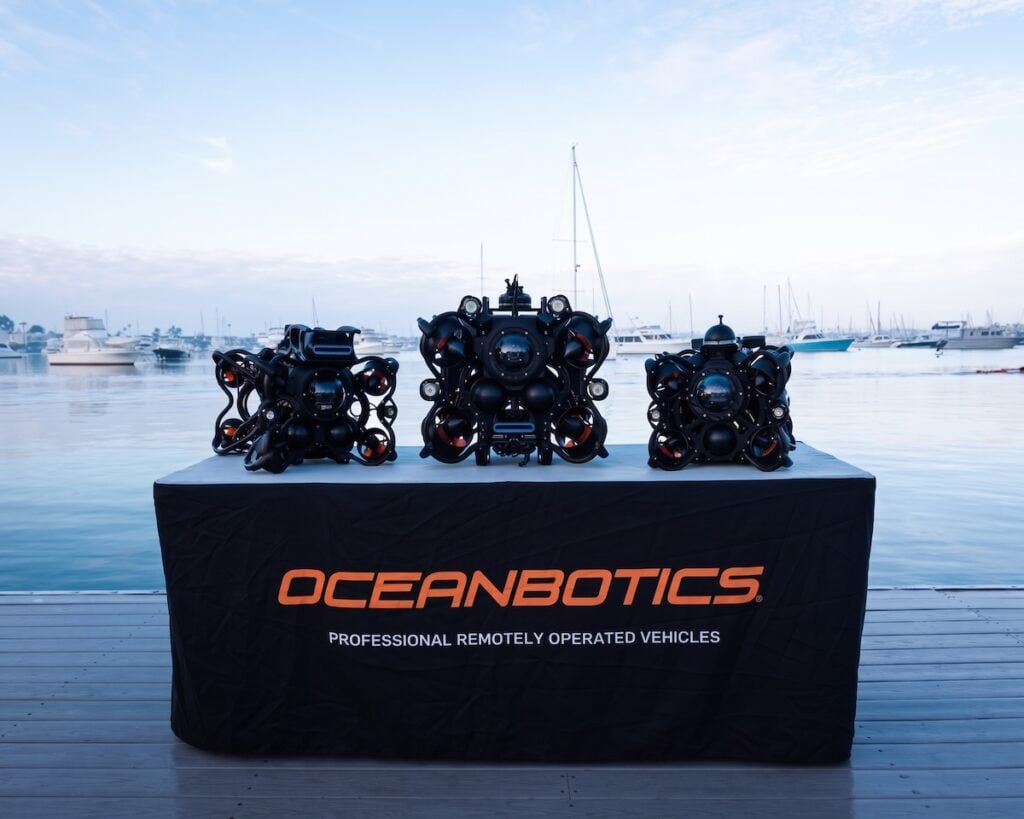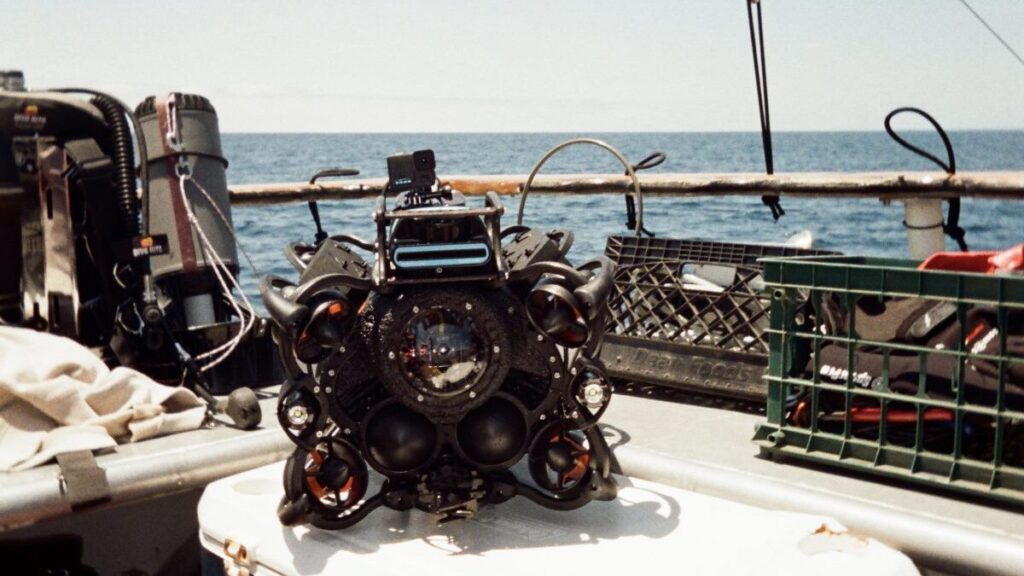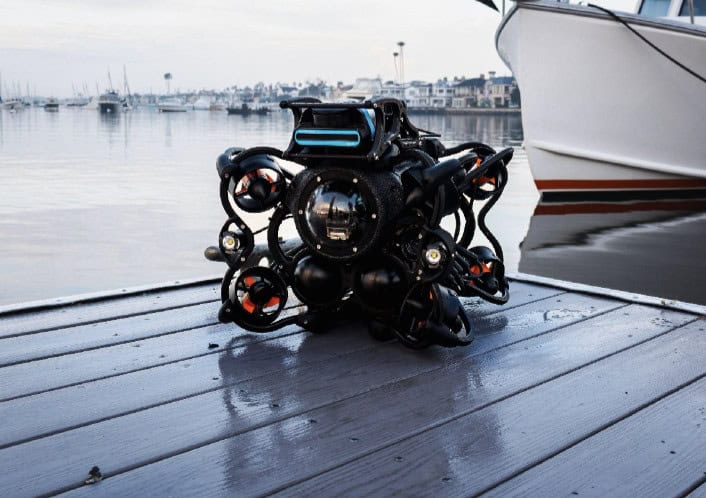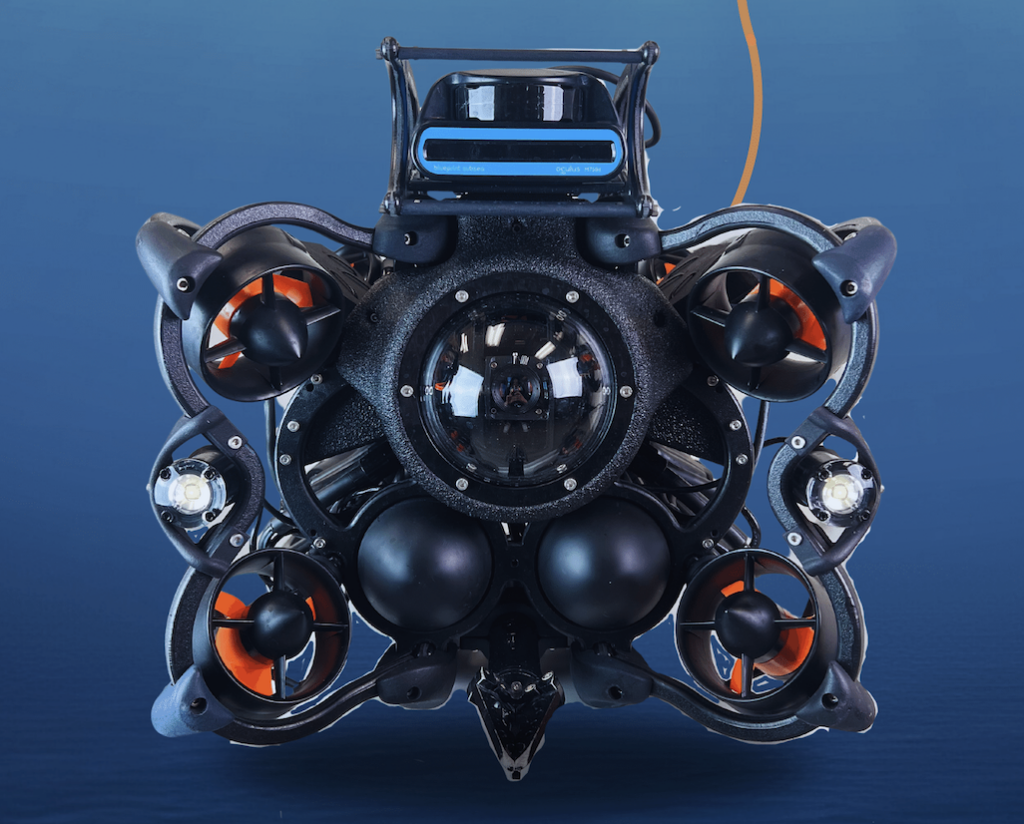



Oceanbotics outlines the process of setting up and deploying an inspection-class remotely operated vehicle (ROV), demonstrating how modern systems have evolved into practical and efficient tools for underwater missions. Read more >>
Unlike earlier generations that were often complex and difficult to manage, current inspection ROVs are rugged, streamlined, and designed for real-world operations.
These systems are increasingly adopted across industries such as offshore energy, infrastructure inspection, marine science, defense, and search and rescue. By providing a safer and more efficient alternative to conventional approaches, inspection-class ROVs allow operators to complete tasks with reduced risk and lower operational costs.
For organizations considering the adoption of this technology, the setup process illustrates how accessible modern ROVs have become. Oceanbotics’ SRV-8 ROV can be prepared for deployment in less than three minutes, reducing the time between arrival on site and mission readiness.
Inspection-Class ROV Capabilities
Compact and portable, inspection-class ROVs can often be deployed by a single operator. Despite their size, they can integrate a wide range of mission-specific payloads, including imaging sonar, USBL positioning systems, auxiliary cameras, and manipulator arms. This adaptability makes them suitable for applications ranging from evidence recovery to pipeline inspection and underwater surveillance.
Step-by-Step Deployment Process
The deployment sequence for an inspection-class ROV is straightforward:
- Insert Batteries
Place both batteries into the vehicle, secure them in position, and connect each battery lead. Switch the system on.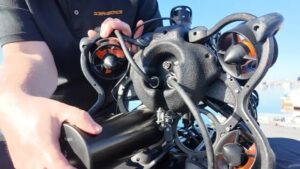
- Connect Tether and Strain Relief
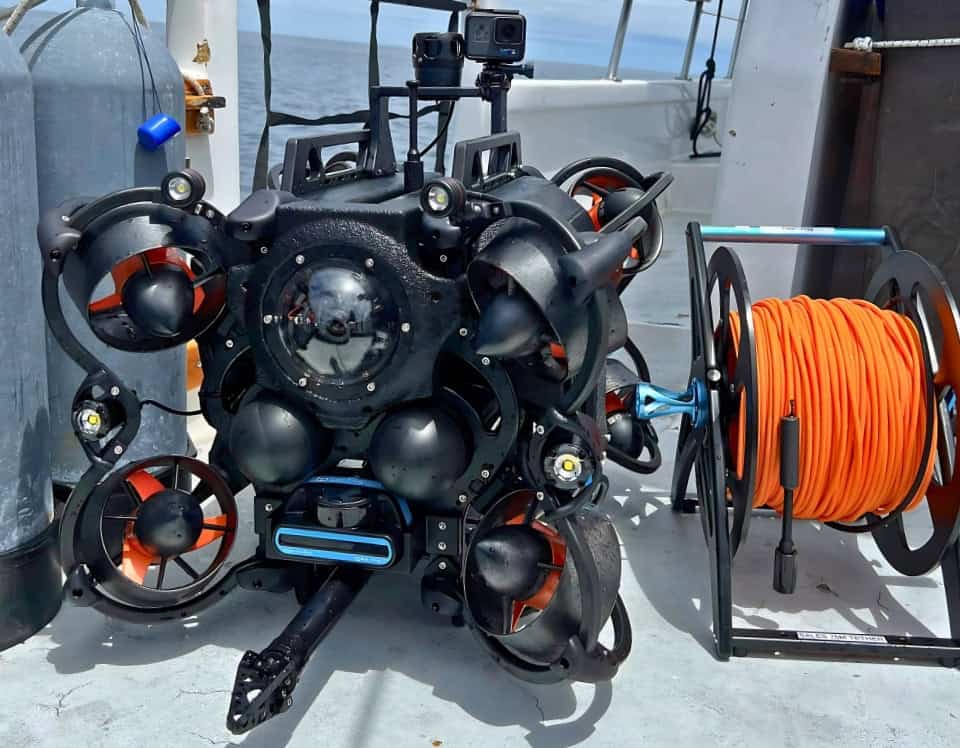
Plug the tether into the vehicle’s tether port. Insert the tether loop into the locking sleeve to secure the lifting point.
- Attach Patch Cable
Connect the patch cable from the tether reel to the DIM Box.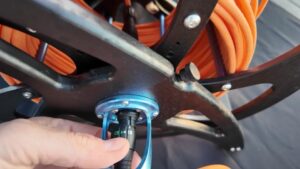
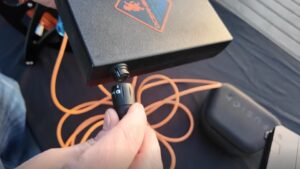
- Connect DIM Box to Laptop
Attach the DIM Box to a ruggedized laptop using a USB-C connection.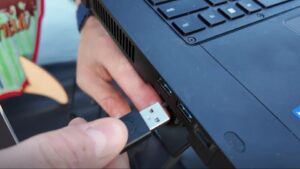
- Connect the Controller
Plug the controller into the laptop.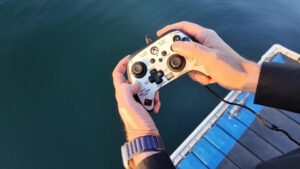
- Launch Operating Software
Open SubNav OS and establish the connection with the ROV.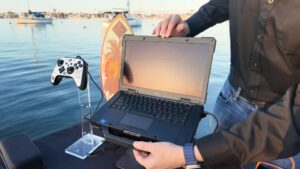
- Deploy the Vehicle
Lower the ROV into the water to begin operations.
Operational Efficiency
Time and ease of use are critical factors for underwater work. With a deployment process that takes less than three minutes, inspection-class ROVs reduce setup requirements and allow operators to begin missions quickly. The learning curve is also streamlined, enabling teams to achieve proficiency with minimal training and focus more on in-water operations.
Oceanbotics’ SRV-8 provides a robust platform for inspection and intervention tasks across multiple sectors, including infrastructure monitoring, marine research, defense operations, and search and rescue. By combining reliability with simplified deployment, the system supports professional operators with a solution optimized for rapid and efficient use in the field.